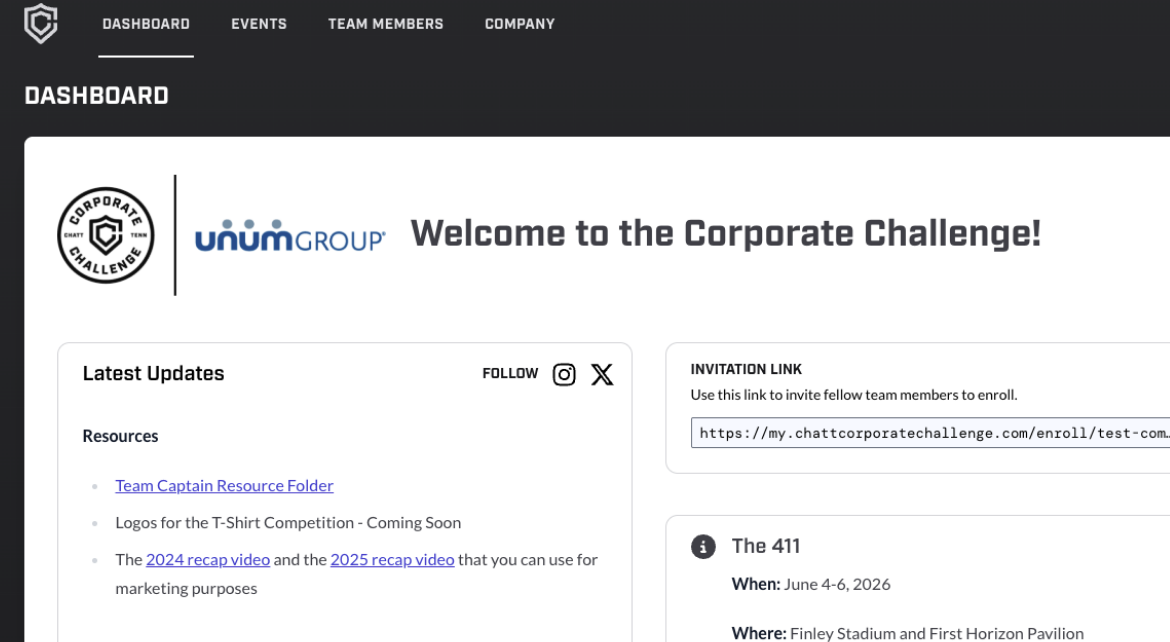
The Corporate Challenge Portal is a tool designed specifically for Team Captains to help manage their teams throughout the event process.
Once a company is registered, Team Captain(s) will receive access to the portal. Once logged onto the portal, they will have access to a unique registration link created exclusively for their company. When ready, Team Captains will share this link with their employees to register for the event.
Through the unique registration link, employees can enter their contact information and select the events they are most interested in participating in. Team Captains can then view this information on the back end, track registrations, and—when the time comes—assign participants to events by simply dragging and dropping employees onto the official rosters.
After rosters are finalized, Team Captains can send notifications to employees letting them know which events they have been selected for.
In addition to team management, the portal also serves as a central hub for Team Captains to stay informed about important dates, upcoming meetings, and access links to additional resources.
To gain access to the portal, you must first register your company for Corporate Challenge. The person who completes the registration will be the one who first gains access to the portal, but don't worry, you can add additional Team Captains.
The person who completed the inital comany registrion (Team Captain #1): navigate to the "Dashboard Page" and locate your unique company registration link in the top right corner of the page. Once found, share this link with your soon-to-be-team captains.
Soon-To-Be-Team Captains: Once you receive your unique company registration link, fill it out (pro tip - you can go back later and edit your event selections)
Team Captain #1: Once your soon-to-be-team captains have completed registration, you will see their names appear on the "Team Members" tab of the portal. One at a time, click their names, and at the top of their form, update their role from "User" to "Team Captain" then scroll down and hit "Update."
Soon-To-Be-Team Captains: Once Team Captain #1 has completed this step, follow this link (https://my.chattcorporatechallenge.com/forgot-password) and enter the email that you filled out your registration form with. You should receive an email prompting you to create a password. After setting a password, Team Captains can access the portal at https://my.chattcorporatechallenge.com/login.